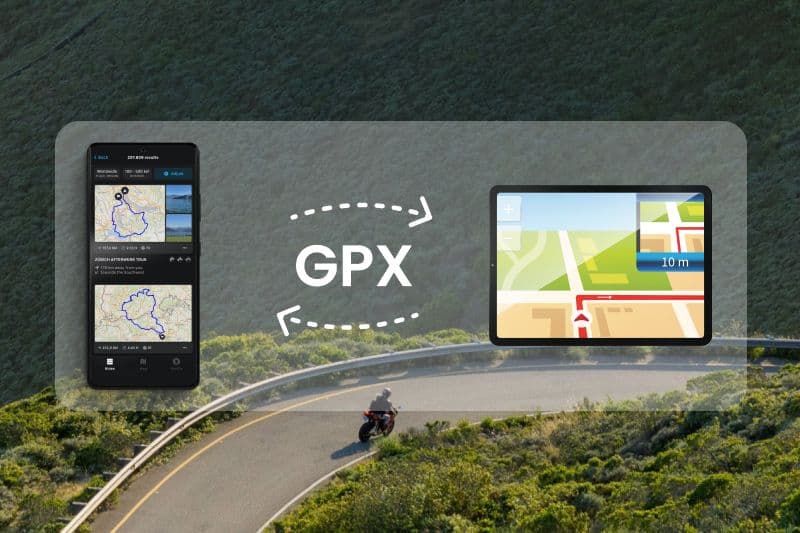
GPX Feature – Quick and Easy GPX Import and Export
chevron_right
chevron_right
Importing and Exporting GPX Files with calimoto
Want to transfer your planned or completed routes from a navigation device like TomTom or Garmin to the calimoto app? We’ve got you covered. Here’s how to import and export GPX, KML, and ITN files.
What exactly are GPX Files?
GPX files, short for GPS Exchange Format, are special file types used to store GPS (Global Positioning System) data such as routes, waypoints, and tracks. They facilitate the cross-platform exchange of GPS data, making it possible for various devices and software applications to read and process the information. With calimoto’s updated GPX feature, importing and exporting GPX files has never been simpler.
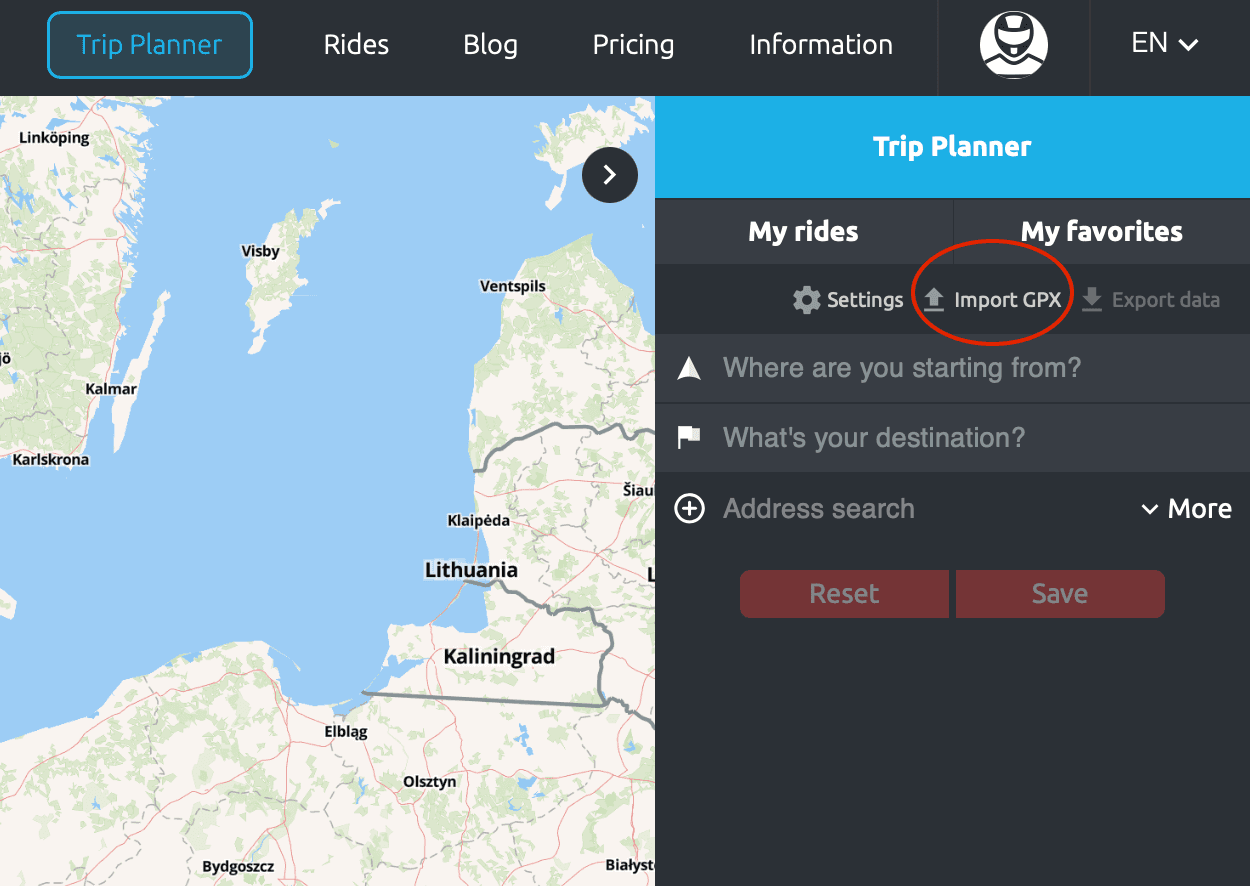
How to Import GPX Files: Step-by-Step Guide
On the Website:
On Android:
On iOS:
Note: You can only import multiple files at once and distinguish between "planned rides" and "completed rides" on the web Trip Planner. These will then be marked in blue on the map like the rest of your calimoto rides.
Exporting GPX Files from TomTom, Garmin, or Beeline to a Memory Card
Every company uses its own algorithms, which can cause routes to look different across various platforms. Similarly, calimoto tours may appear differently on other navigation systems. However, switching from your original navigation device to calimoto can be done in just a few clicks. We can’t wait for you to start your first ride with us!
Having Trouble with GPX Import or Export?
Many providers and platforms do not adhere strictly to open standards, which can lead to technical issues. While calimoto follows the specified standards, files may sometimes be recognized as unreadable. If this happens, please reach out to the respective provider for assistance.
We hope these instructions and tips are helpful.
From now on, you can keep all your tours in one place – whether you’ve tracked them with calimoto or another navigation device.